
Mac Studio vs. a 64GB NVIDIA CMP 170HX: Local AI Image Generation Head-to-Head
Oct 5, 2026 · 6 min read
In the last post I ran Qwen Image 2512 at full bf16 precision on an NVIDIA CMP 170HX unlocked to 64GB, a card originally sold for crypto mining. The whole 40GB model fit in VRAM with no quantization and no offloading. This time I put it up against a Mac Studio with an M5 Ultra and 256GB of unified memory, which shares one big pool of memory between its CPU and GPU. Same software, same model, same six prompts, same seeds.
The Setup
Both machines kept the entire model loaded between images. The Mac also had a 27B-parameter language model loaded in llama.cpp the whole time.
Average per image at 1680×944. Mac Studio ~15% faster.
Average per image at 1360×768. Mac Studio ~35% faster.
First image, including model load.
Time Per Image
Seconds per image. Lower is better.
The Results
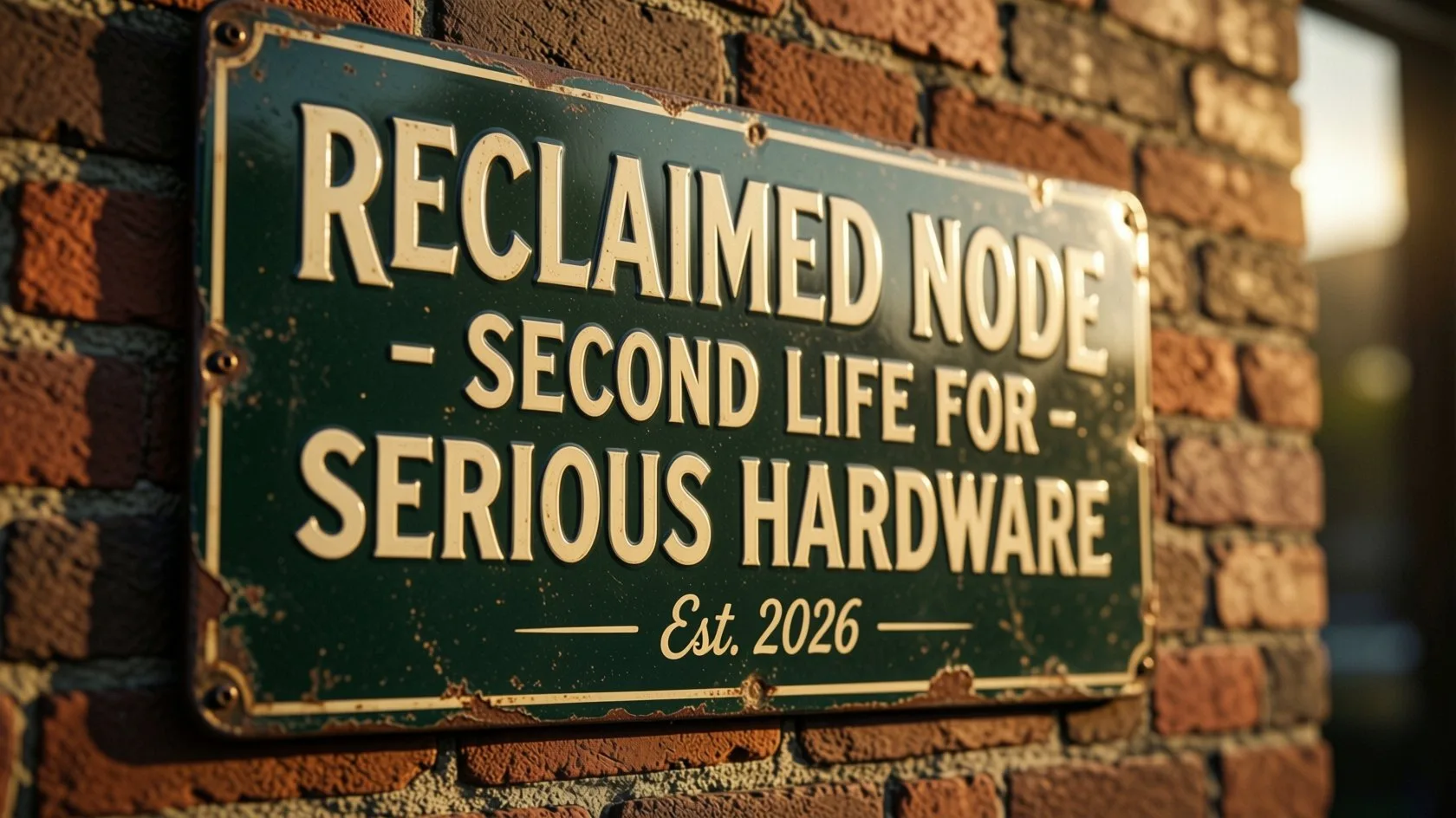
01Text Rendering: Enamel Sign
Prompt
A vintage-style enamel sign mounted on a brick wall in warm late-afternoon light, hand-painted lettering reading "RECLAIMED NODE - SECOND LIFE FOR SERIOUS HARDWARE" in cream and deep green, with a smaller line beneath reading "Est. 2026". Slight weathering and chipped paint at the edges, soft rim light from a low sun, shallow depth of field, photorealistic, shot on an 85mm lens.
02Fine Detail: GPU Macro
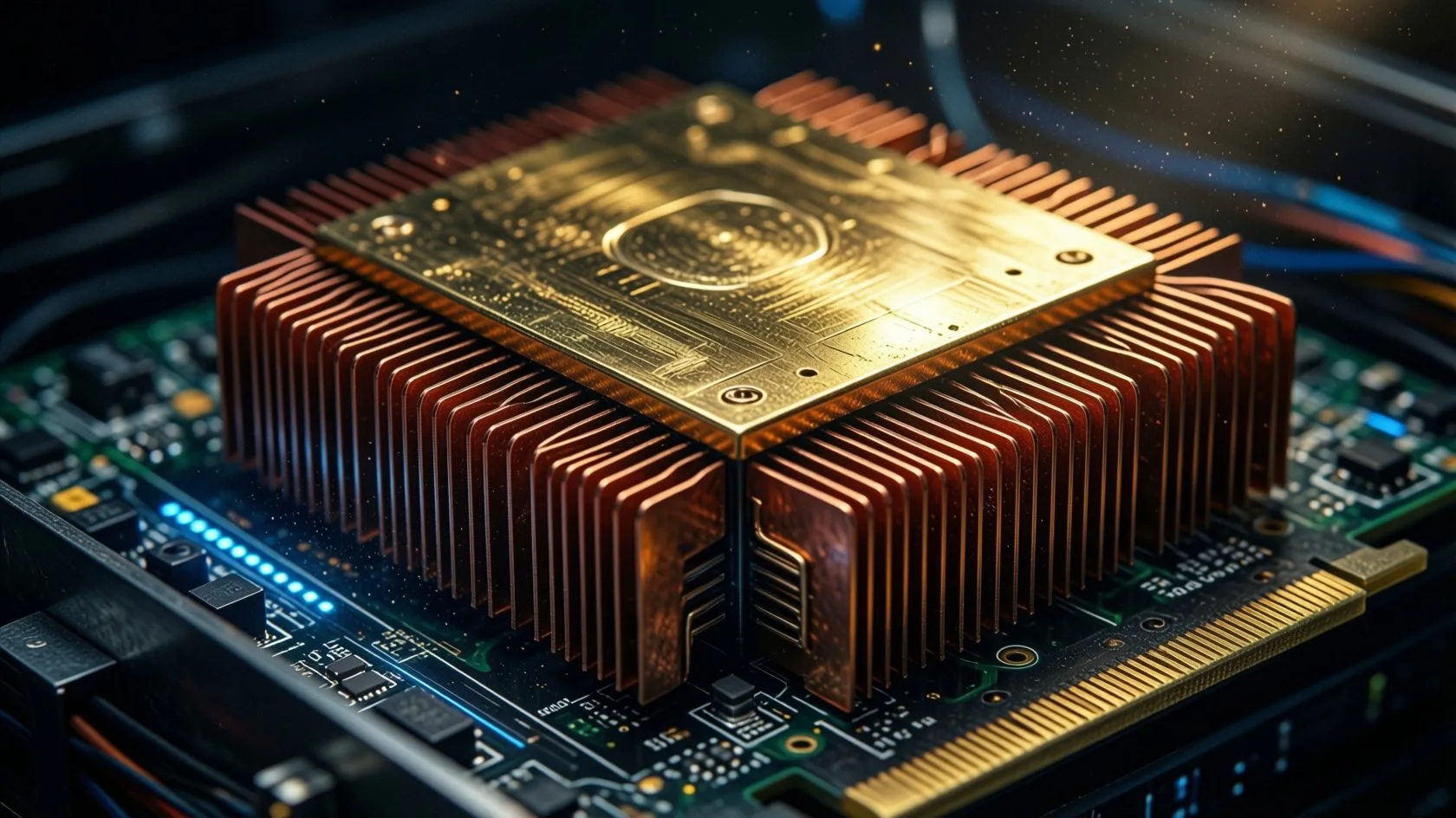
Prompt
Extreme macro photograph of a data center GPU with a large gold-plated heatsink and dense rows of copper fins, lit by a single hard side light that rakes across the metal and reveals fine machining marks. Deep shadows, tiny dust particles catching the light, cool blue accent glow from an LED on the board, shallow depth of field, ultra-detailed, photorealistic.
03Perspective: Data Center Aisle

Prompt
A vast, quiet data center aisle stretching into the distance, rows of black server racks with thousands of tiny green and blue status lights, cold blue light from the ceiling and warm amber light spilling from an open door at the far end, light haze in the air, polished concrete floor with soft reflections. Symmetrical one-point perspective, cinematic, photorealistic, high dynamic range.
04Crowds: Night Market
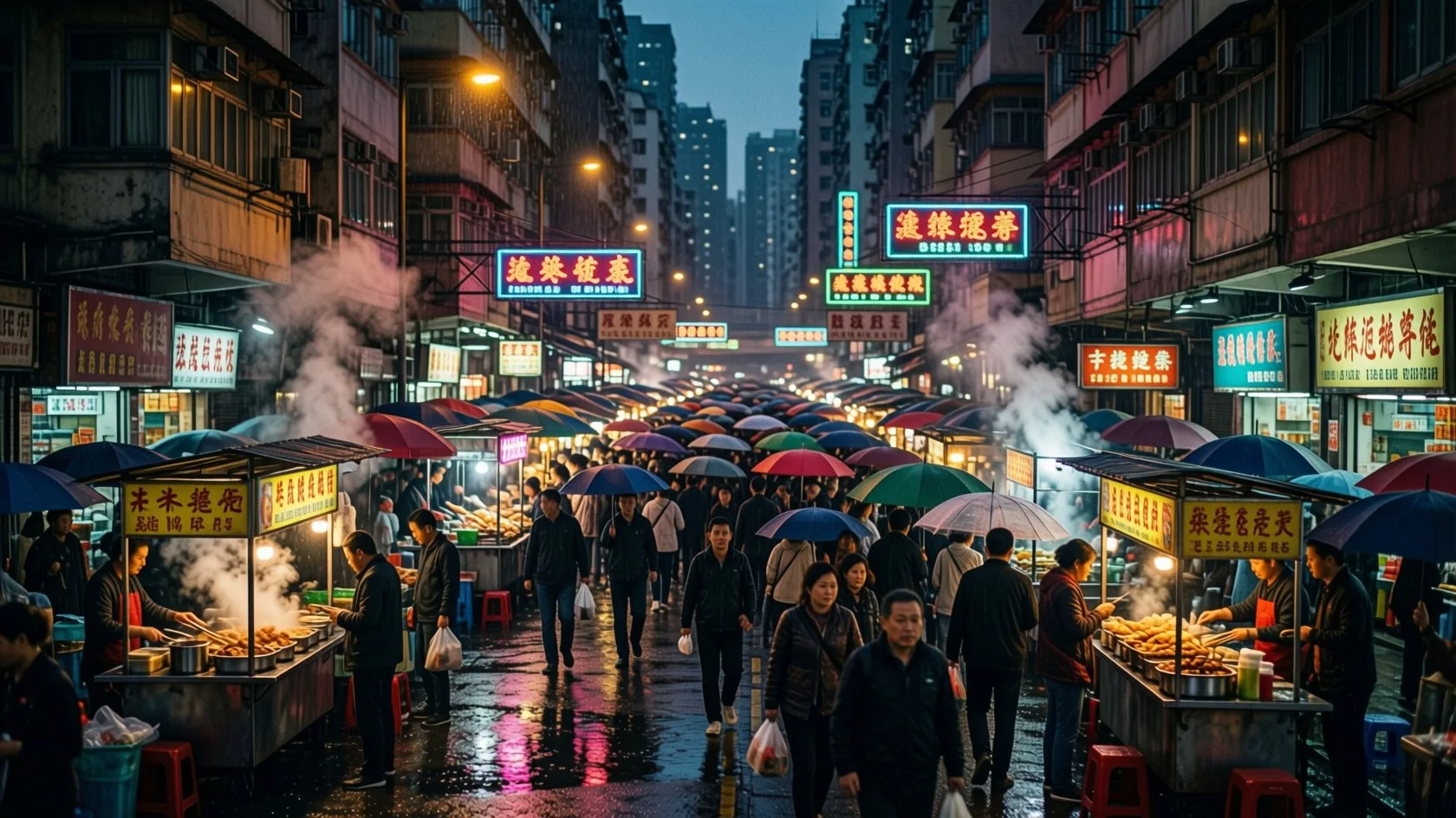
Prompt
A bustling night market in a rain-soaked neon city street, packed with hundreds of people under colorful umbrellas, food stalls with steam rising, hand-lettered signs in several languages, reflections of pink and teal neon in puddles, layers of depth from foreground to distant skyscrapers. Cinematic, richly detailed, photorealistic, shot on a 35mm lens.
05Reflections: Mountain Lake
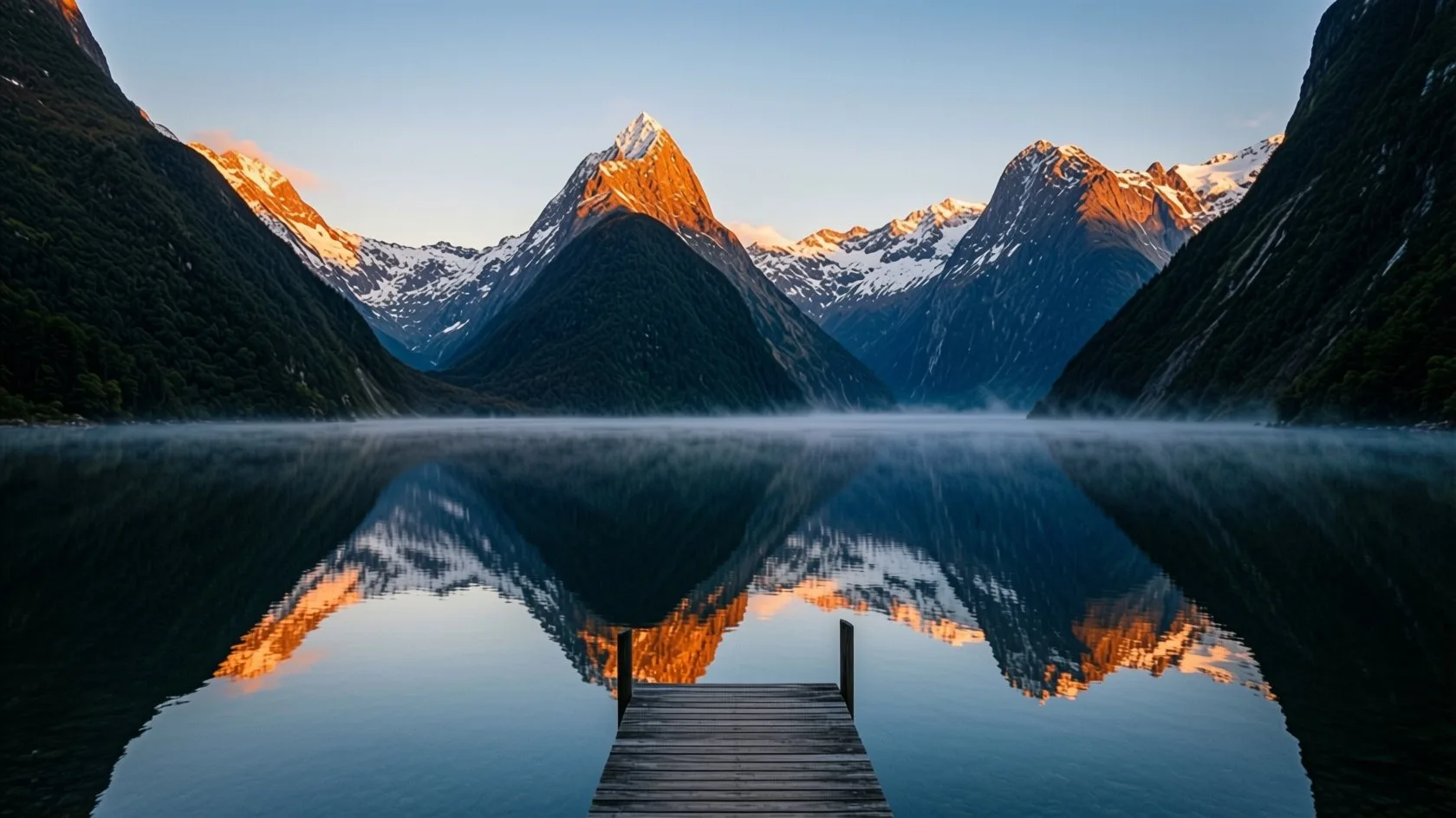
Prompt
A mountain lake at sunrise with perfectly still water mirroring snow-capped peaks, warm orange light striking the highest summits while the valley below stays in cool blue shadow, thin mist hovering over the water, a lone wooden dock in the foreground. Crisp detail, high dynamic range, photorealistic, landscape photography.
06Difficult Lighting: Spacecraft Sunrise
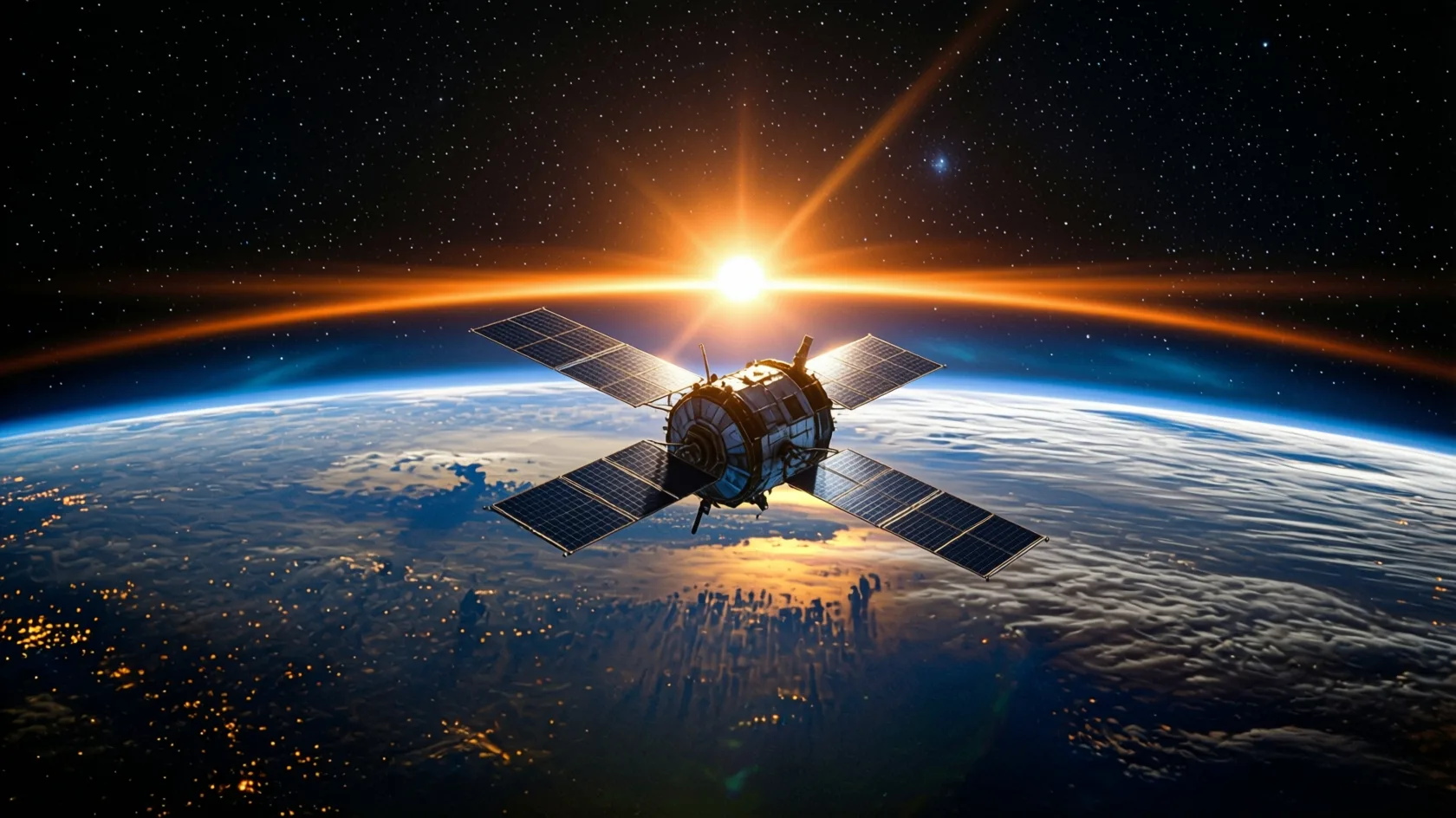
Prompt
A lone research spacecraft with solar panels and brushed metal hull drifting above the curved limb of a blue ocean planet, at the moment of orbital sunrise. The sun is a blinding white point just cresting the horizon, throwing a thin band of glowing orange and gold along the atmosphere's edge and long lens flares across the frame. Hard directional sunlight rakes across the spacecraft, lighting its panels and edges with brilliant rim light while the shadowed side falls into deep blue-black, faintly lit by earthshine reflected from the planet below. Swirling white cloud systems and city lights on the dark side of the planet, thin blue atmospheric haze glowing at the horizon. Dense star field in the black sky above. Cinematic, high dynamic range, extreme contrast, photorealistic, shot on a 35mm lens.
07Lower Resolution: Lighthouse After a Storm
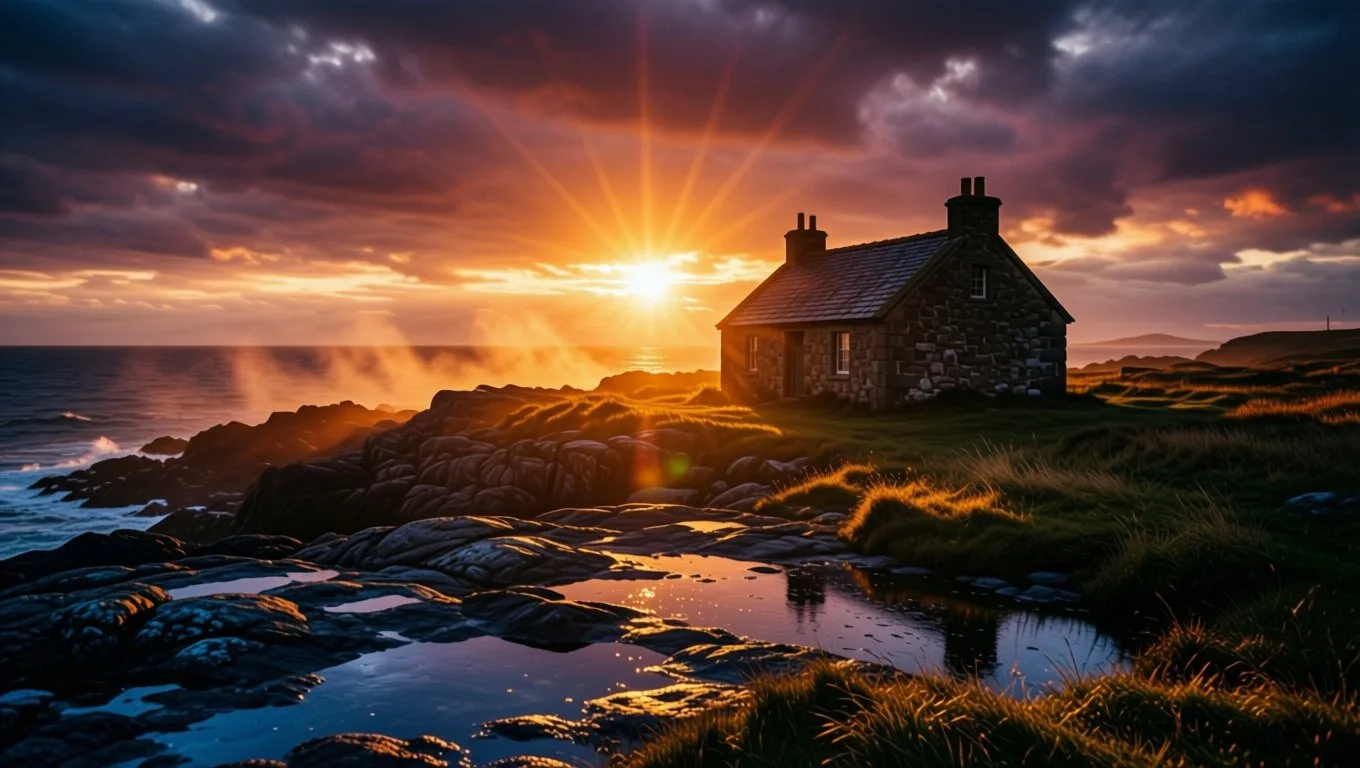
Prompt
A lone lighthouse keeper's cottage on a rocky coastline at golden hour, just after a storm. Low sun breaking through a gap in dark, heavy clouds, sending sharp god rays across the scene. Warm amber light rakes across wet stone and grass, creating long soft shadows and glowing rim light on the edges of the roof and rocks. Puddles and tidal pools on the rocks reflect the fiery orange and deep magenta sky. Cool blue shadows in the foreground contrast with the warm highlights. Atmospheric mist rising off the ocean, light scattering through it. Cinematic composition, high dynamic range, rich contrast, photorealistic, shot on a 50mm lens.
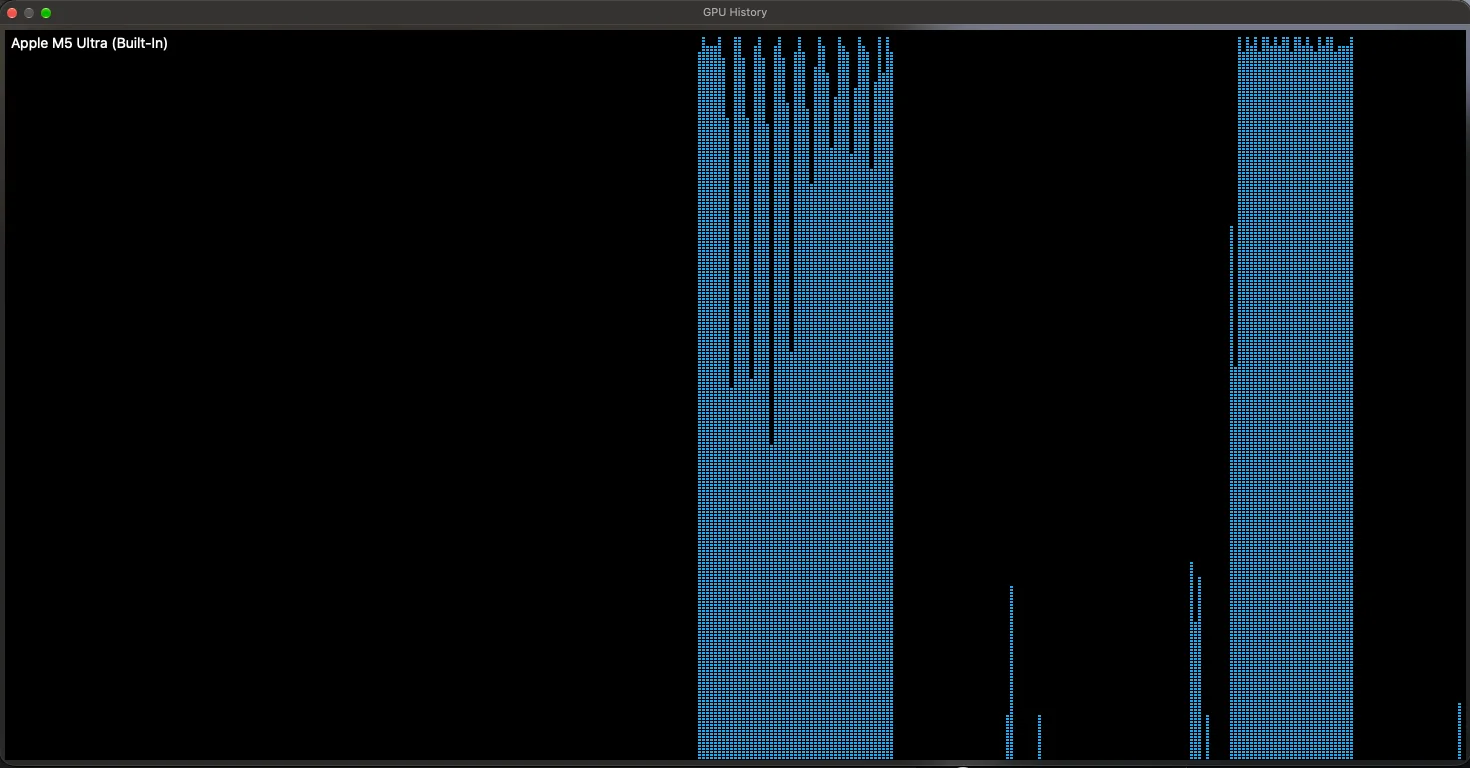
Where the Time Goes
One 1680×944 image on the Mac Studio:
What I Learned
01The Mac wins every image
At full resolution the M5 Ultra was faster on all six prompts, about 15% on average. Drop the resolution to 1360×768 and the gap widens to about 35%: the Mac scales down the way you’d expect, while the 170HX barely gets faster, which suggests a large fixed cost per image on that card.
02Loading is where the gap is biggest
The Mac loads the 55GB model in about 17 seconds. The 170HX took up to 109 seconds, because the weights come off a virtual disk and cross the card’s narrow PCIe link. You only pay this on the first image or when switching models, but you notice it every time.
03Check your model cache
Out of the box, Invoke on the Mac set aside only 32GB for cached models, less than the model needs. It reloaded the entire model before every image, at about 22 seconds each. One line in invokeai.yaml (max_cache_ram_gb: 128) kept everything loaded and brought it down to about 13 seconds.
04Restart Invoke now and then on a Mac
After about ten hours of running, large images crept up to about 25 seconds while small ones were unaffected. The GPU was still fast; the big memory operations around it had slowed down. A restart brought it straight back to about 13 seconds.
Times are per image, measured from Invoke’s queue with the model already loaded and Invoke’s result cache disabled, after one untimed warm-up image. The 170HX used an fp8 text encoder and the Mac a bf16 one, which affects only the sub-second prompt-encoding step. Images shown are the originals from the 170HX run; the Mac’s versions were visually near-identical.
Two very different routes to the same place: a mining card nobody wanted, rescued with a firmware unlock, and a desktop with enough unified memory to treat a 40GB model as ordinary. The Mac Studio is faster, loads quicker and does it while running a language model on the side. The 170HX costs a fraction as much and does the job at full precision. Both run a frontier-class image model at home with no cloud and no compromises.
Next: I put four of these cards in one server for 256GB of VRAM. See the quad CMP 170HX build and first LLM benchmarks.